BlogProduct news
🚀 Introducing the New WordCrafter: SEO & Content for the Agentic Era
It researches what ranks on Google, and an AI agent writes the blog posts and pages you need to rank for your target keywords.

Twelve months ago, I started rebuilding WordCrafter from the ground up. Today, the new WordCrafter is live, and I can't wait for you to try it! 😃
WordCrafter launched in March 2025 as an SEO and content tool for SEOs, marketers and founders. It researched Google for informational keywords and turned what it found into outlines and drafts for blog posts and articles. You told me what you liked, and you told me where it fell short. First, you still had to rewrite, edit and format every draft yourself. Second, it only worked for informational keywords. It couldn't research the commercial and transactional keywords that buyers search, so it couldn't help you create the content for the pages that rank for them.
So I rebuilt WordCrafter to fix both. An AI agent now writes and edits with you, so the rewriting, editing and formatting are no longer on you. And it now researches the commercial and transactional keywords buyers search too, and helps you write the pages that rank for them.
Here's what's new.
🌟 Welcome to WordCrafter 2.0
It's built on two halves that work together:
- SERP research reads Google's first page for your target keyword and turns it into evidence of what it takes to rank: what to cover, how to structure it and what the ranking pages miss.
- Agentic writing turns that evidence into content, written by an agent you direct.
Put simply: AI agents research and write. You direct.
🔎 SERP research: see what it takes to rank
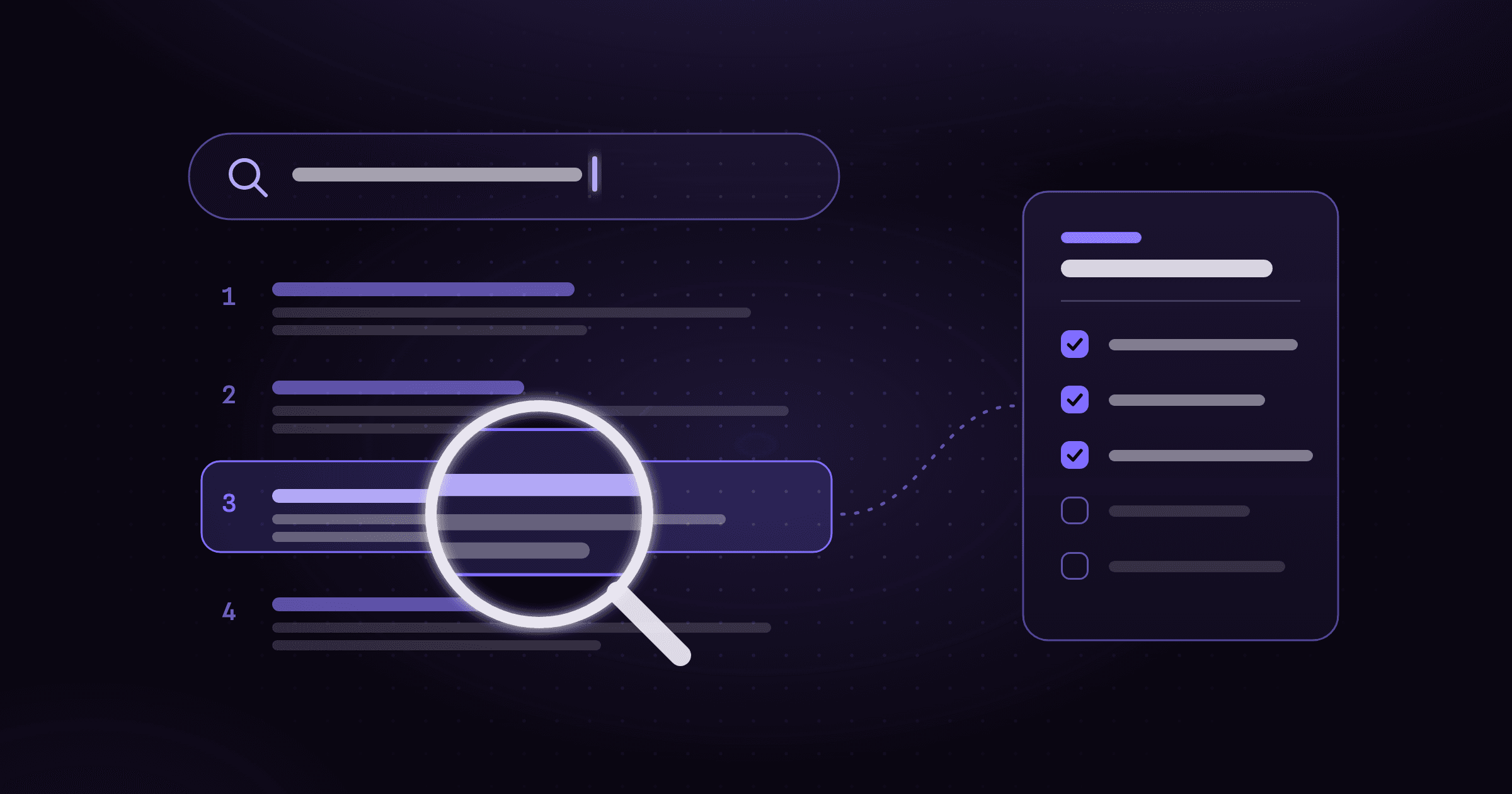
Everything starts with research. WordCrafter reads every result on Google's first page for your keyword, what SEOs call the SERP. In about a minute, it shows you what the ranking pages have in common: the topics they cover, how they're structured, how long they run and the gaps they leave open. That's what your content gets built on.
📝 Informational keywords
These are the searches people make to learn something, like “how to choose a CRM” or “what is a sales pipeline”, and Google usually answers them with blog posts and articles. For them, the research comes together as a suggested outline: a structure that page one on Google already rewards, with the key topics to cover and the content gaps worth claiming, so your page gives searchers more than the pages already ranking and has a real shot at outranking them.
The suggested outline is a starting point on purpose, because the most important part is what you bring: the know-how and experience no SERP contains. The SERP Intelligence panel next to your outline helps you make it yours. Add a missing topic, claim a content gap, trim what doesn't fit, and the outline updates as you go.
🛒 Commercial and transactional keywords
Informational keywords are people learning. Commercial and transactional keywords are people buying: they're comparing options, like “best CRM for small teams”, or ready to act, like “hire a bookkeeper near me”. For most businesses, that's where the revenue is.
And Google answers those searches differently. Page one is usually a mix that leans toward product, service and landing pages, and the pages that rank show buyers what they need to see before they act.
WordCrafter reads those pages and maps how they're built: which sections they include (such as a hero, features, pricing or an FAQ), in what order, and how long each one runs. Instead of an outline, you get a page plan: the sections your page needs to rank for that commercial or transactional keyword, each backed by evidence from the SERP, plus the gaps the ranking pages leave open, which are your best chance to outrank them.
Those are just the highlights. You'll find every new research feature on the SERP research page.
✍️ Agentic writing: you direct, the agent writes
Before, writing in WordCrafter meant clicking buttons and generating one section at a time. Now, you talk to an agent.
The agent docks beside your document and works on it directly. You ask for what you want, the way you'd brief a writer, and the changes appear right in your draft. (If you code, think Claude Code or Cursor, but for your content.)
Say you're working on an article and you type:
Draft the “Migrate in this order” and “Check it before you cut over” sections from the research.
The agent reads the whole draft, the SERP research behind it, your business context and anything else you attach with @ (a URL, a file, a note). It writes a short plan, works through it step by step while you watch, and finishes with a summary of what it changed. If something is really your call, it asks before it assumes.
You stay in control:
- Review every edit. Set the agent to Suggest, and every change arrives as a tracked suggestion you accept or reject, one by one or all at once. Or set it to Apply when you trust the task.
- Take over anytime. It's your draft: edit any part of it yourself, just like in any text editor.
- Nothing is lost. Every agent run saves a version you can compare and restore.
- Pick the AI models. For each run, choose the Thinker (the model that plans and reasons), the Writer (the model that writes and edits your text) and the Image model (the model that creates images), and how deeply each text model thinks. You can choose from the latest models by OpenAI, Anthropic, Google and DeepSeek.
And when you only want to write or edit one paragraph, the Targeted tab lets you change a single block with surgical precision: you set the word count, tone, model and more.
That's how you work with the agent. Now let me show you everything else that's new on the writing side.
🧩 Product, service and landing pages, written for you
Besides blog posts and articles, the agent now writes pages too: product pages, service pages and landing pages, the pages that rank for the commercial and transactional keywords your buyers search.
It writes your page from the page plan, one section at a time. It knows how to write each of the 32 section types, from benefits and how it works to testimonials and a call to action. And you decide how it writes them: for any section type, you can change its purpose, structure and length, and the do's and don'ts the agent follows, so every page is built the way you want. It doesn't invent facts about your business: when something's missing, it leaves a placeholder like [Add your pricing].
🏢 Your business, in every draft
The best writers know the business they're writing for. That's new in WordCrafter too: the agent now knows yours, so everything it writes is more relevant from the first draft.
The research tells the agent what Google rewards. Your business context tells it who you are: your company, your products and services, your audience. Add it once, and the agent writes with it in every draft.
🧠 Memory: tell it once
Every writer has preferences. Short paragraphs. No exclamation marks. Always mention the free consultation. In most AI tools, you repeat them every time.
In the new WordCrafter, the agent learns them. When you correct it or give it a direction that should last, it saves that as a memory and applies it next time. You can also add memories yourself, or paste a writing sample and let it learn your voice.
You can see everything it remembers, whether you added it or the agent learned it, and delete any memory you no longer want. Memories are tidied up regularly, so duplicates and conflicts don't pile up.
🖼️ Images where the content needs them
Images were one of the things early users asked me for. They're in.
Add an image block and generate an image with AI, or upload your own. You can also edit an existing image: ask the agent and describe the change, or select the image and use the Targeted tab. And when you ask the agent to write a full draft, it can add images where they help, captions included. No side trips to another tool.
🧱 An editor with 30+ block types
The old editor was built for text. The new one is built for real pages.
It has more than 30 block types, from tables, columns and callouts to images, videos and buttons. That means you and the agent can build a real product page, with a feature grid and a pricing table, not just paragraphs of text.
There's more new on the writing side than I could cover here. See all the new writing features.
⛵️ It's still day 0
When I launched WordCrafter in March 2025, I said it was still day 0. Today feels like day 0 all over again, in the best way: 12 months of rebuilding, a much bigger foundation, and I'm genuinely excited to finally put it in your hands!
The new WordCrafter exists because of the early users and customers who used the first version, sent me bug reports and feature requests, got on calls and told me honestly where it fell short. Thank you, truly. So much of what you read above started as one of your messages, and I'd love to see what you create with it.
If you want to see what the new WordCrafter can do for your content:
✅ Start your 14-day free trial. Cancel anytime.
📅 Book a demo with me. Bring a keyword and I'll run it live with you.
Already a WordCrafter customer? The new WordCrafter is included in your plan. Just log in: it's not the tool you remember.
And if you try it, I'd love to hear what you think, the good and the clunky. Your feedback will shape what comes next.
Federico
P.S. Questions, ideas or bug reports? . Every message comes straight to me, and I'll get back to you soon.