
Your plan includes an AI usage allowance and a number of research credits for each billing cycle. This page covers what you see as you use them up, and how to keep working when you do.
Your AI usage allowance
At 80%: a warning
Nothing stops yet. Three places tell you that you are getting close:
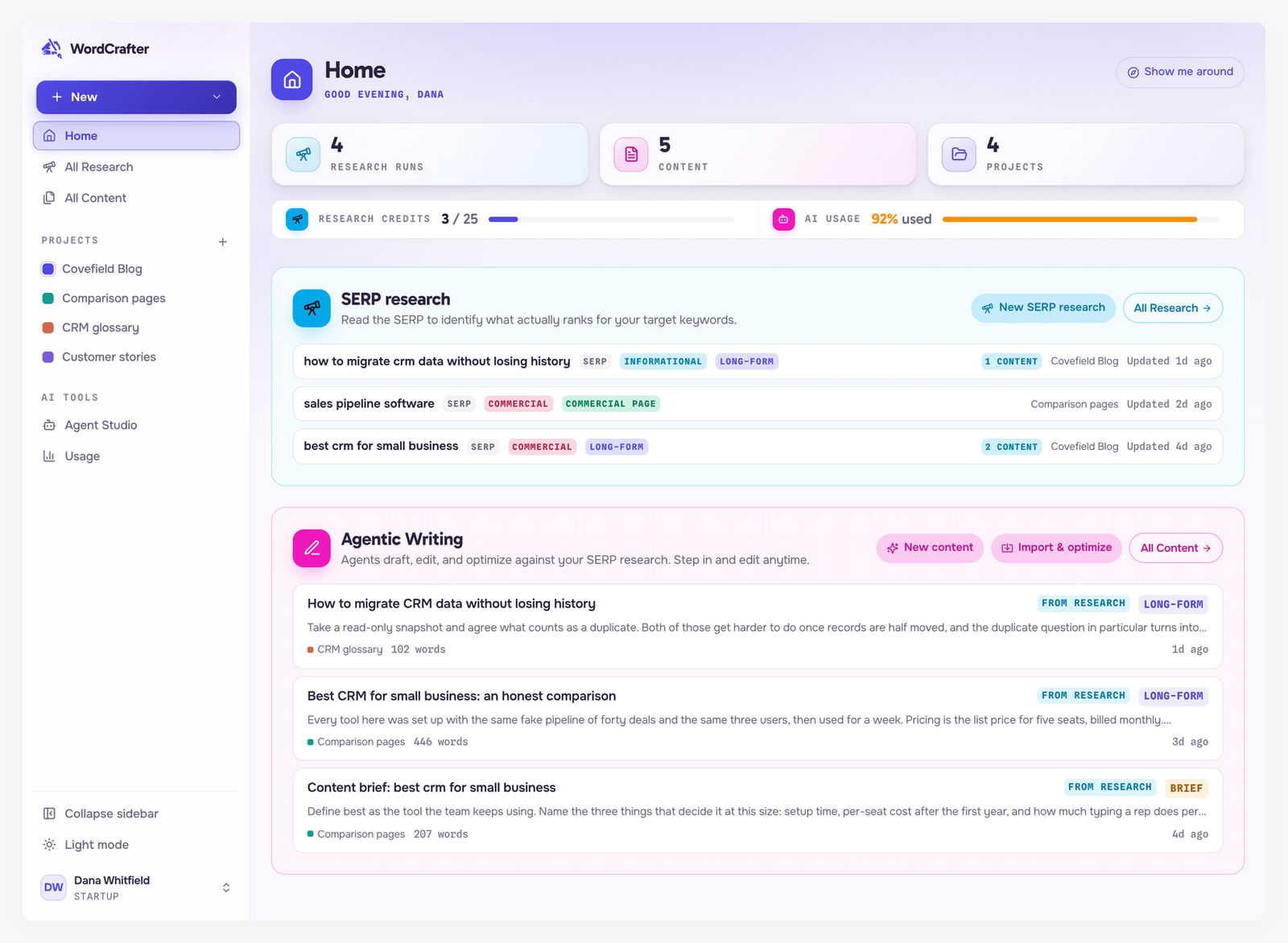
The AI usage meter in the band under Home's counters turns amber.
In the editor, a chip in the Agent and Targeted tabs shows how much you have used, such as AI usage allowance: $18.40 of $20.00 (92%). Hover it for the reset date and your options.
The Usage page shows the full breakdown.
The chip only appears for models running on WordCrafter's keys. A model on your own API key never counts, so it shows no warning.
At 100%: AI pauses
When the allowance is used up, AI requests on WordCrafter's keys stop until your next billing cycle. In the editor you see AI usage allowance reached, with how much you used, when it resets, and two buttons.
A request that is already running can finish, so your usage may go slightly over 100%. Everything else keeps working: your content, research and settings are all still there and editable. Only new AI requests on WordCrafter's keys are paused.
Three ways to keep going
Add API key. Connect your own key for a provider on the LLM API Keys page. Requests on your key are billed by that provider and never count against your allowance, so you can carry on straight away. See Bring your own API keys.
Upgrade plan. The allowance is 20% of your plan price, so a bigger plan raises it right away. See Managing your subscription.
Wait for the reset. The allowance resets at the start of your next billing cycle, on the date shown in the message.
What never counts
Voice input, web searches the agent runs in the Agent tab, research runs, and anything on your own API key never use your allowance. See Research credits and AI usage for the full list.
Your research credits
Each research run spends one credit. When you have none left:
The New SERP research page says you have used all your research credits, and a new research cannot start.
Refresh research on an existing research is unavailable too, because a refresh spends a credit.
Every finished research still works. Keep creating content from it, without spending anything.
Credits come back in full when your next billing cycle starts. To get more sooner, upgrade to a plan with more credits.