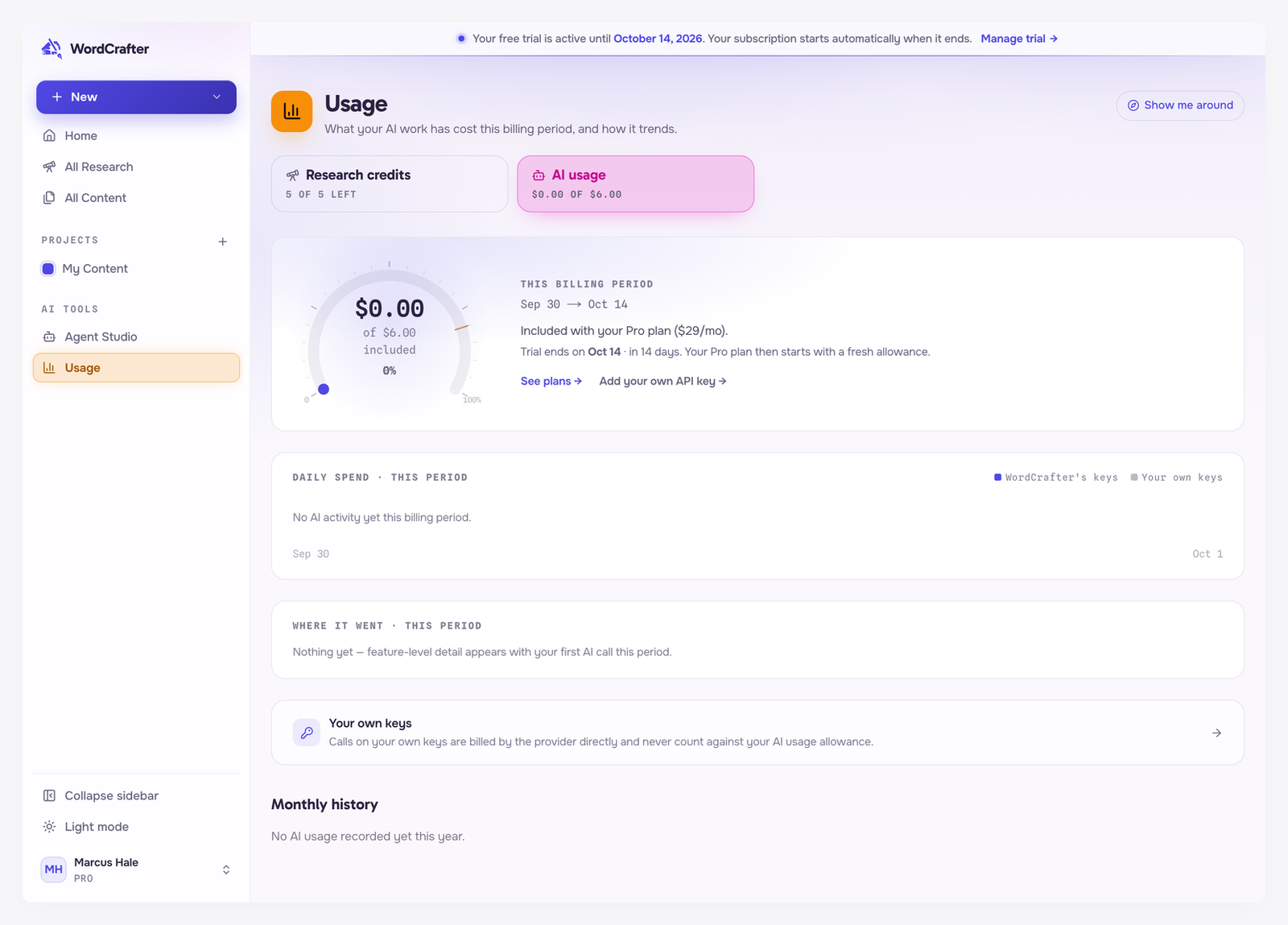
A new account starts empty. This guide takes you from that blank Home screen to finished, exported content, in about as many clicks as it takes to read it.
What you see on day one

Home greets you with empty SERP research and Agentic Writing sections, and three counters at zero, except Projects. Every account starts with one project, My Content, where new work goes until you create your own.
A banner shows when your free trial ends. Under the counters, a band shows how many research credits you have used and your AI usage for the billing period. A new account is on the Pro trial, so it has 5 credits and a $6 AI usage allowance. See The free trial and Research credits and AI usage.
Path 1: research first (recommended)
Start here when your content needs to rank on Google. WordCrafter reads what already ranks, and you write from that evidence.
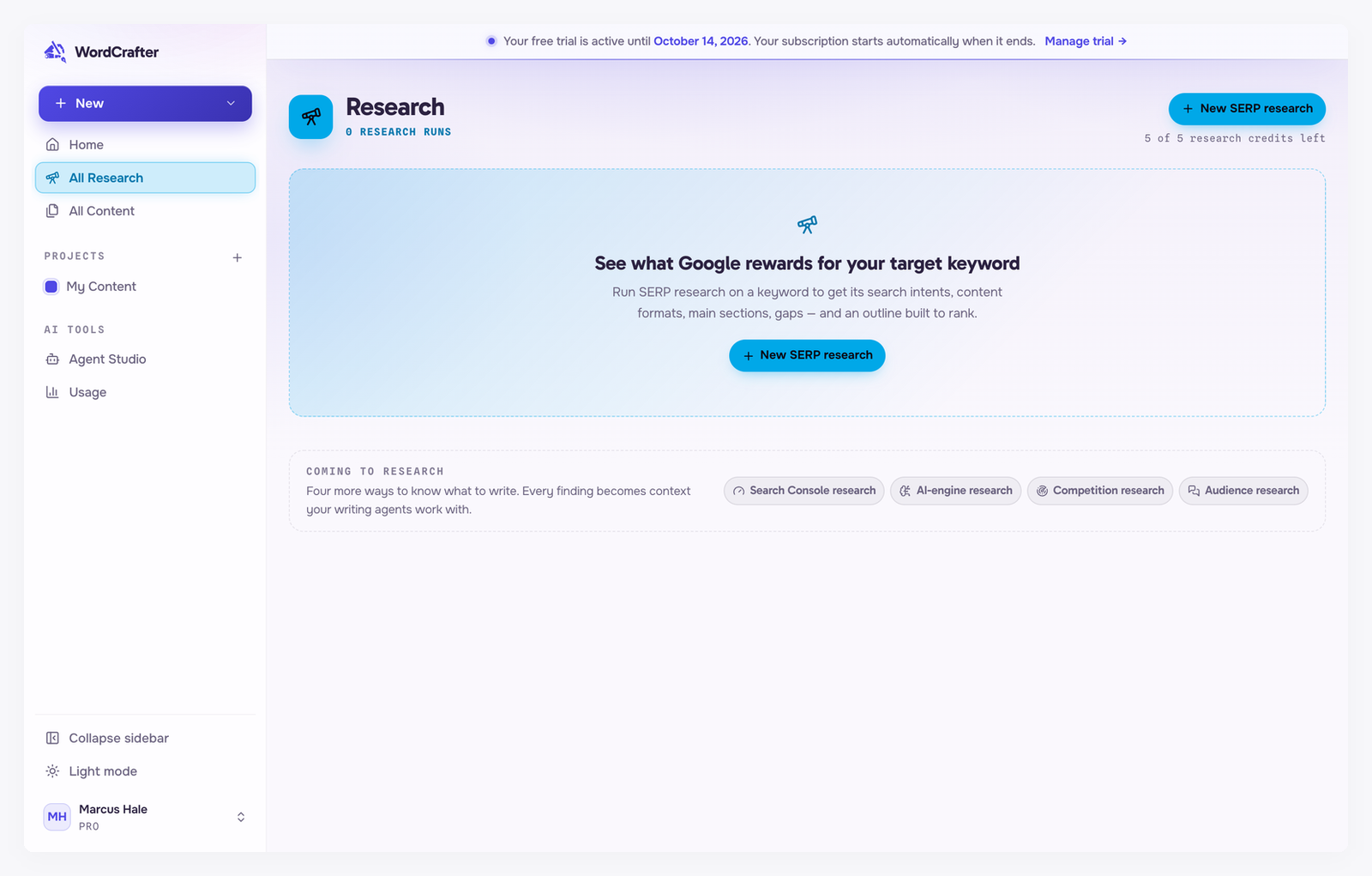
Start a research. Click New → SERP research, type the keyword you want to rank for, and start. See Starting a research run.
Pick an intent and format. Partway through, the research shows what kinds of pages rank for your keyword and asks which one you are making. See Search intents.
Review the outline. When the research finishes, adjust the outline it built from the ranking pages. See Research for long-form content.
Create the content. Click Create content and choose Generate with AI to have the agent draft it, or Empty with outline to write it yourself.
Path 2: write straight away
Start here when you already know what to write, or the content does not need to rank.
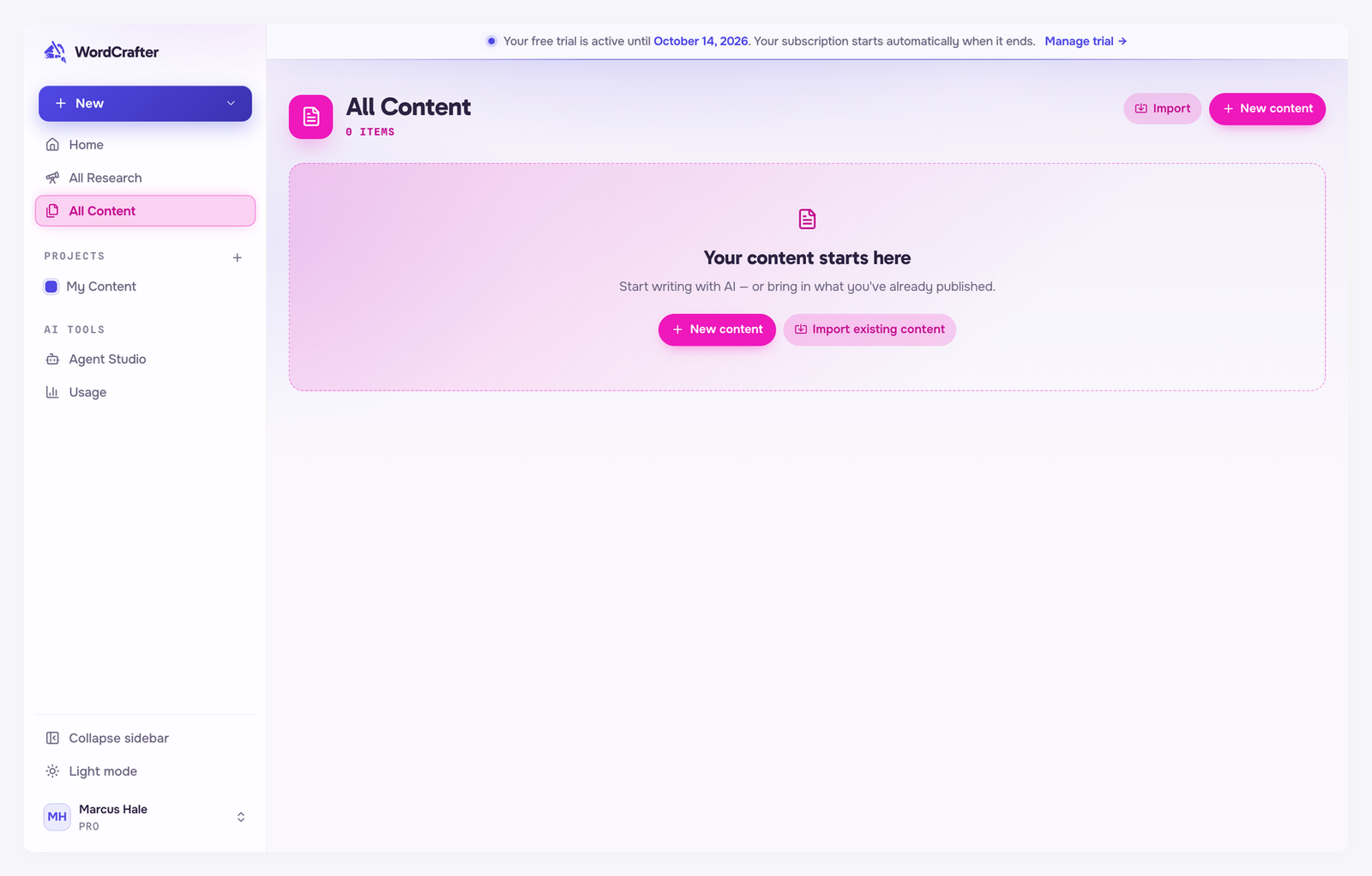
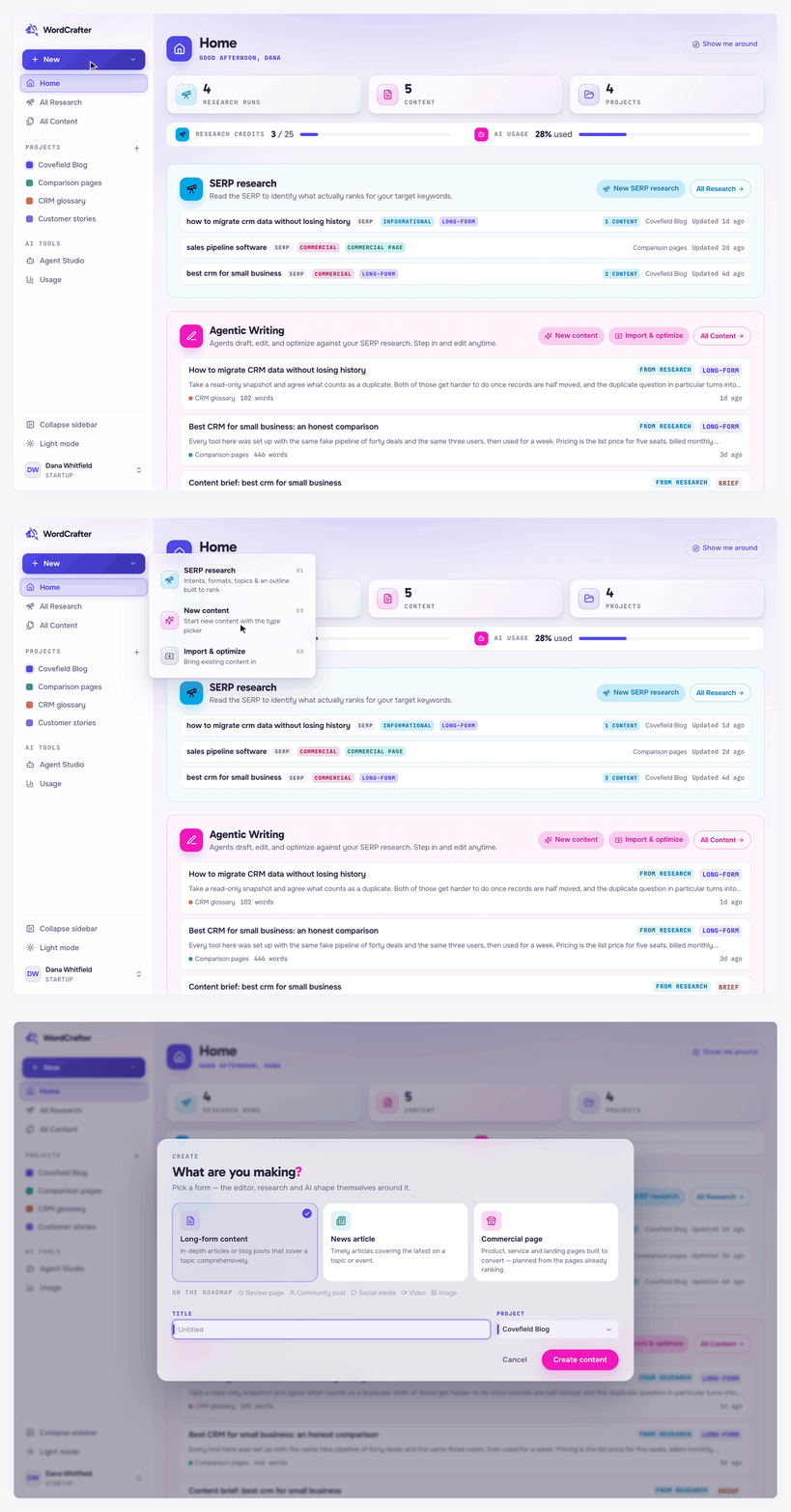
Click New → New content, pick Long-form content, give it a title and click Create content. See Creating content.
In the editor, open the Agent tab of the AI Assistant and ask for what you want, such as "write a 1,200-word guide to choosing a CRM, for small sales teams". See The AI agent.
Already have something written? New → Import & optimize brings it in instead. See Import and optimize.
Finish your draft
Review the changes. By default the agent suggests edits for you to accept or reject. See Suggestions and track changes.
Check the SEO score in the sidebar's SEO Optimization view. See SEO optimization.
Export it. Click Export in the top bar and copy it, or download it as PDF, Markdown or HTML. See Exporting your content.
Worth setting up early
Writing product, service or landing pages? Fill in your business context first. The AI will not write a page that sells until it knows what you sell. See Business context.
Have a house style? Add it as rules, so the agent follows it without being asked. See Rules and modes.